Stories.pe.kr
여행과 요리에 관한 이야기
Stories.pe.kr
여행과 요리에 관한 이야기

반짝이는 여행의 순간과 따뜻한 한 끼의 기록
반짝이는 여행의 순간과 따뜻한 한 끼의 기록
Windows7의 경우 WebDAV가 연결이 잘 되지 않을 때가 있다. 그때는 아래와 같이 레지스트리를 조금 만져주면 된다. 레지스트리 편집기를 열어 아래 위치를 찾는다 실행 > regedit HKEY_LOCAL_MACHINE\SYSTEM\CurrentControlSet\Services\WebClient\Parameters 아래 키의 값을 1에서 2로 수정한다. 키 이름 : BasicAuthLevel 값(Value) : 2 (키 이름이 없다면 새로 만들기 -> DWORD Value) 각 값이 의미하는 것은 다음과 같다 0 – […]
Windows7의 경우 WebDAV가 연결이 잘 되지 않을 때가 있다.
그때는 아래와 같이 레지스트리를 조금 만져주면 된다.
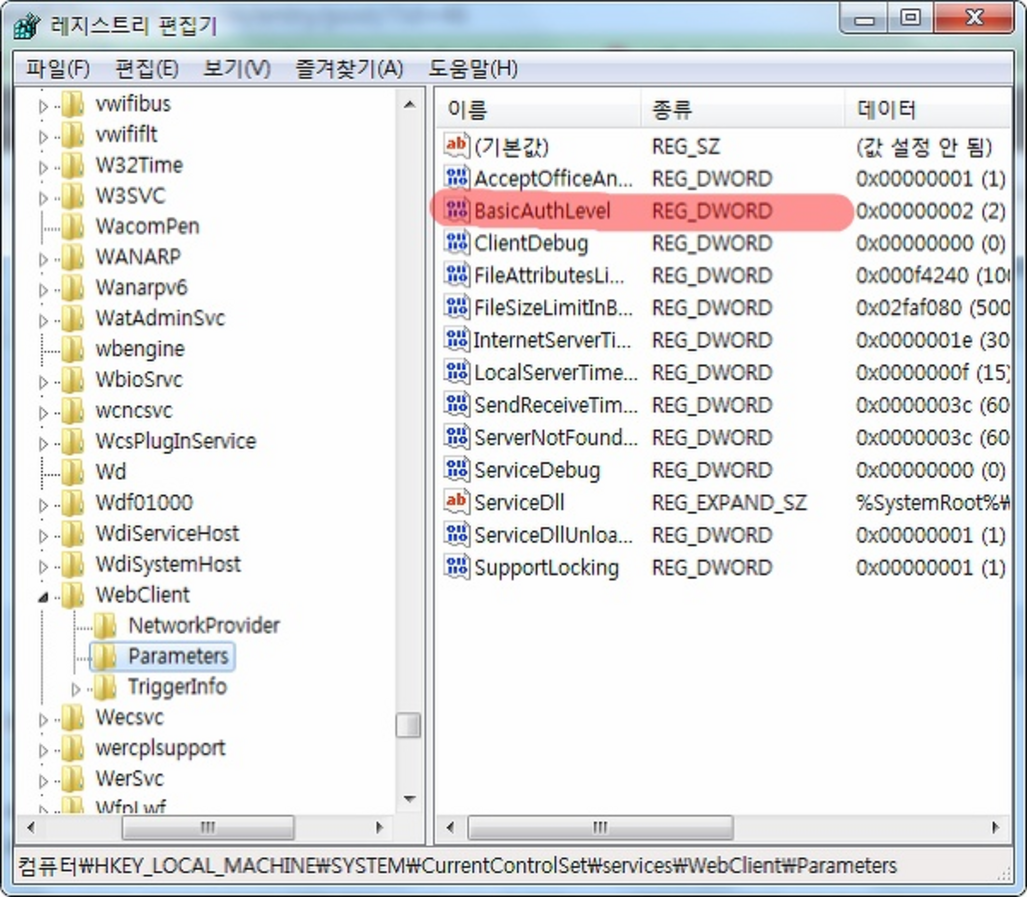
레지스트리 편집기를 열어 아래 위치를 찾는다
실행 > regedit
HKEY_LOCAL_MACHINE\SYSTEM\CurrentControlSet\Services\WebClient\Parameters아래 키의 값을 1에서 2로 수정한다.
키 이름 : BasicAuthLevel
값(Value) : 2
(키 이름이 없다면 새로 만들기 -> DWORD Value)
각 값이 의미하는 것은 다음과 같다
레지스트리 편집기를 닫고, 컴퓨터를 재시작 한다.
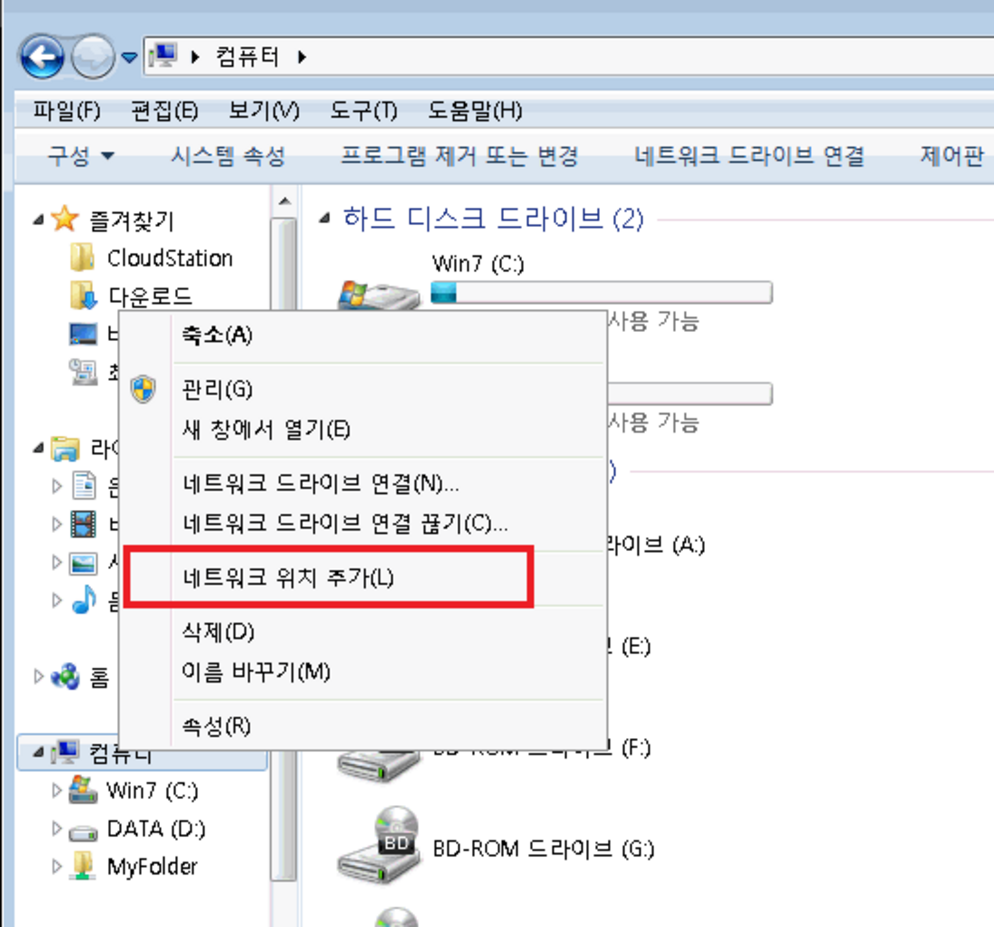
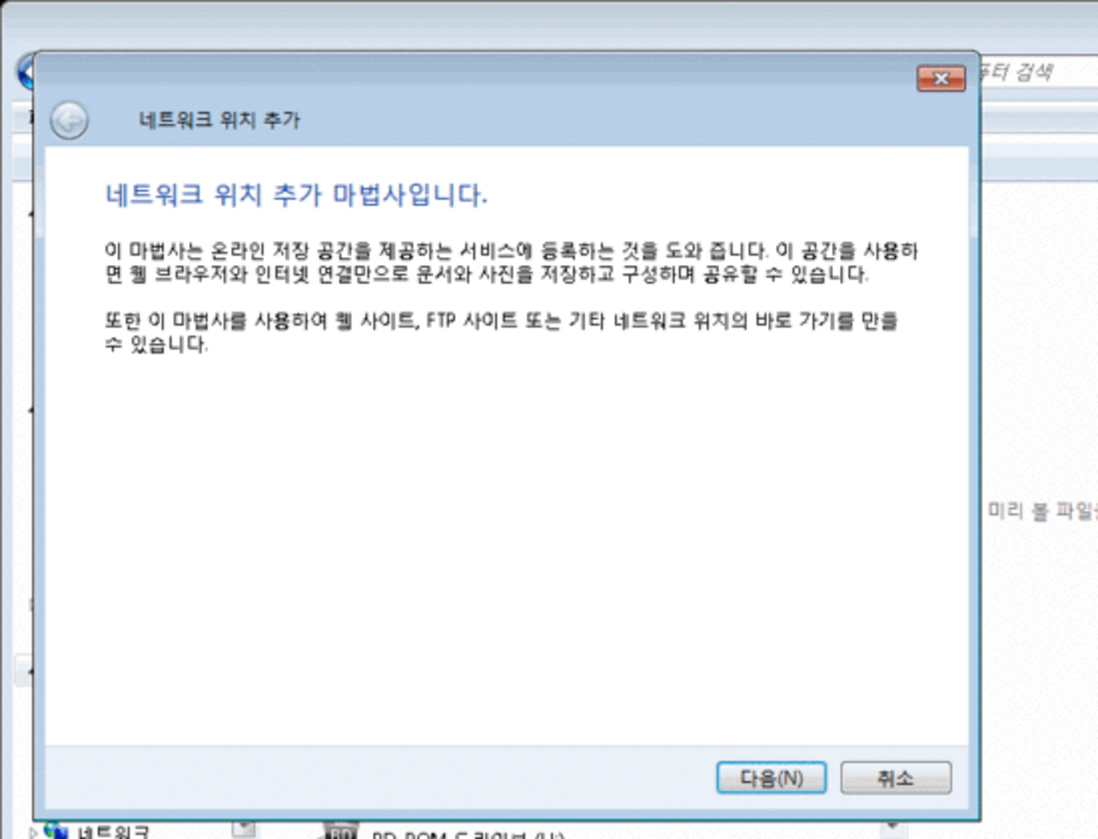
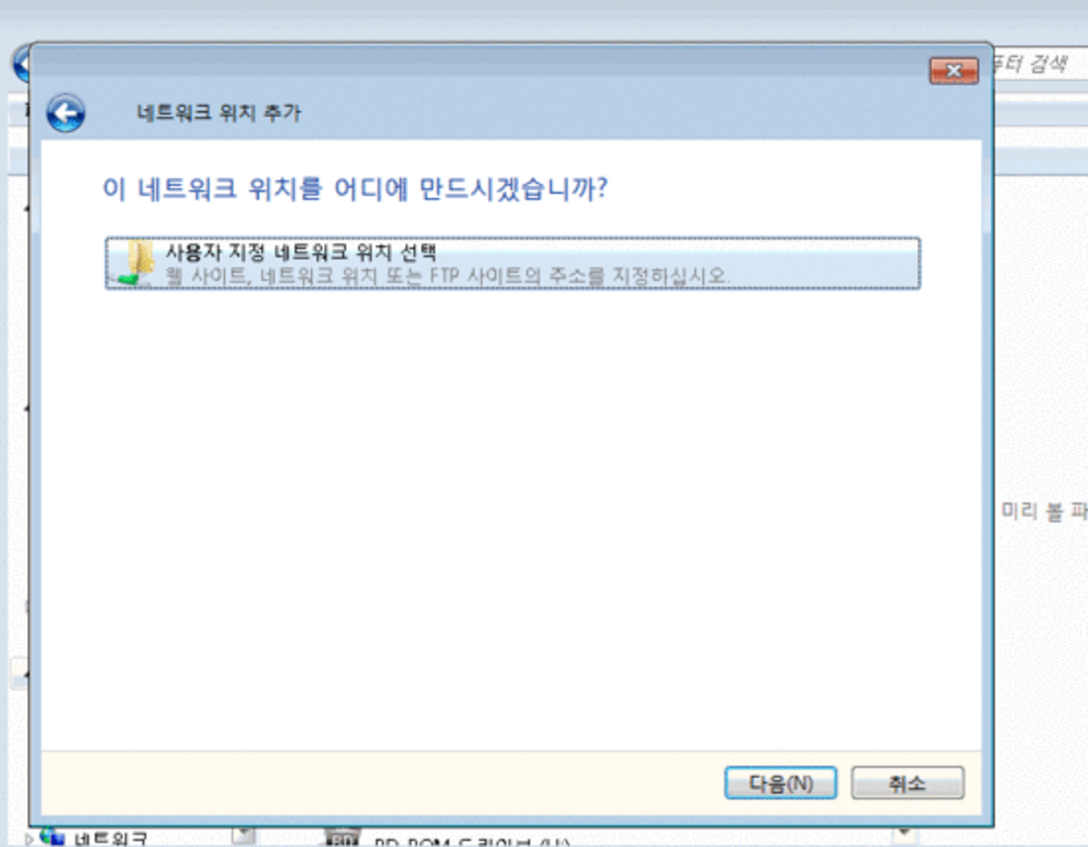
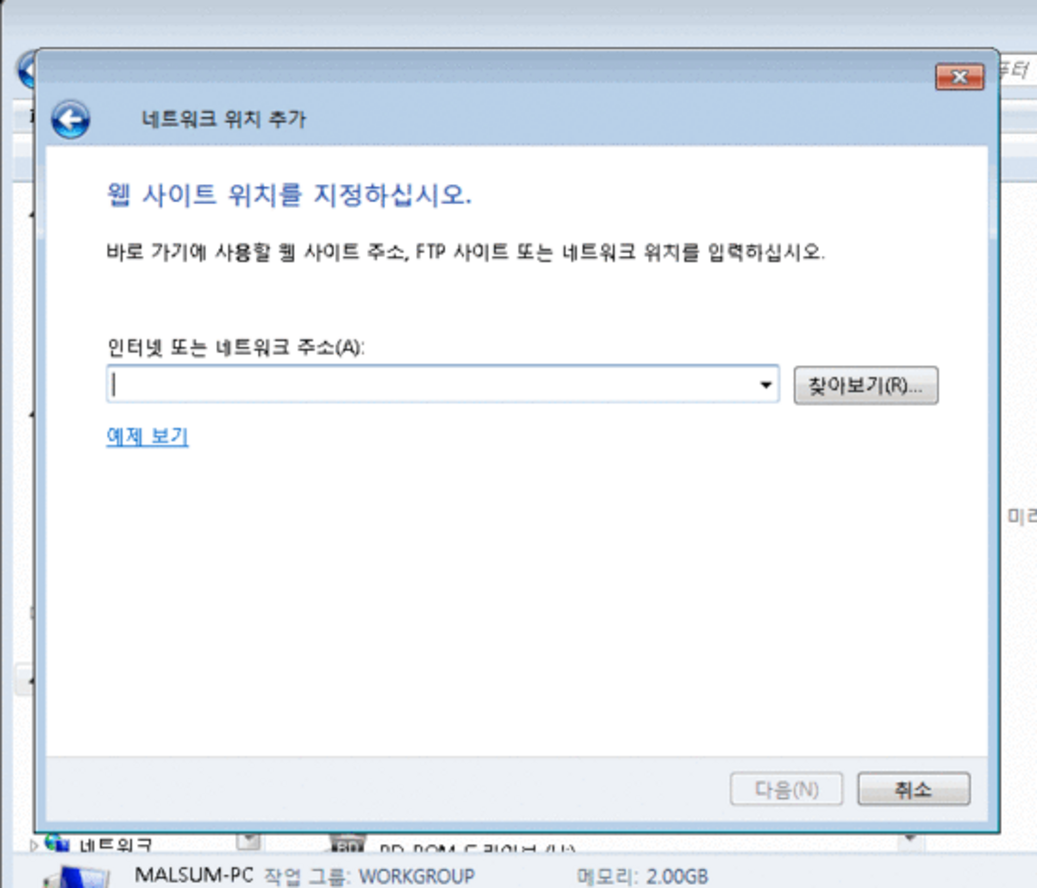
그리고 아래와 같이 네트워크위치 추가를 하면된다.